Create Stunning Jewellery
Content in 5 Simple Steps
From a single product photo to high-quality images and viral reels – all powered by AI.
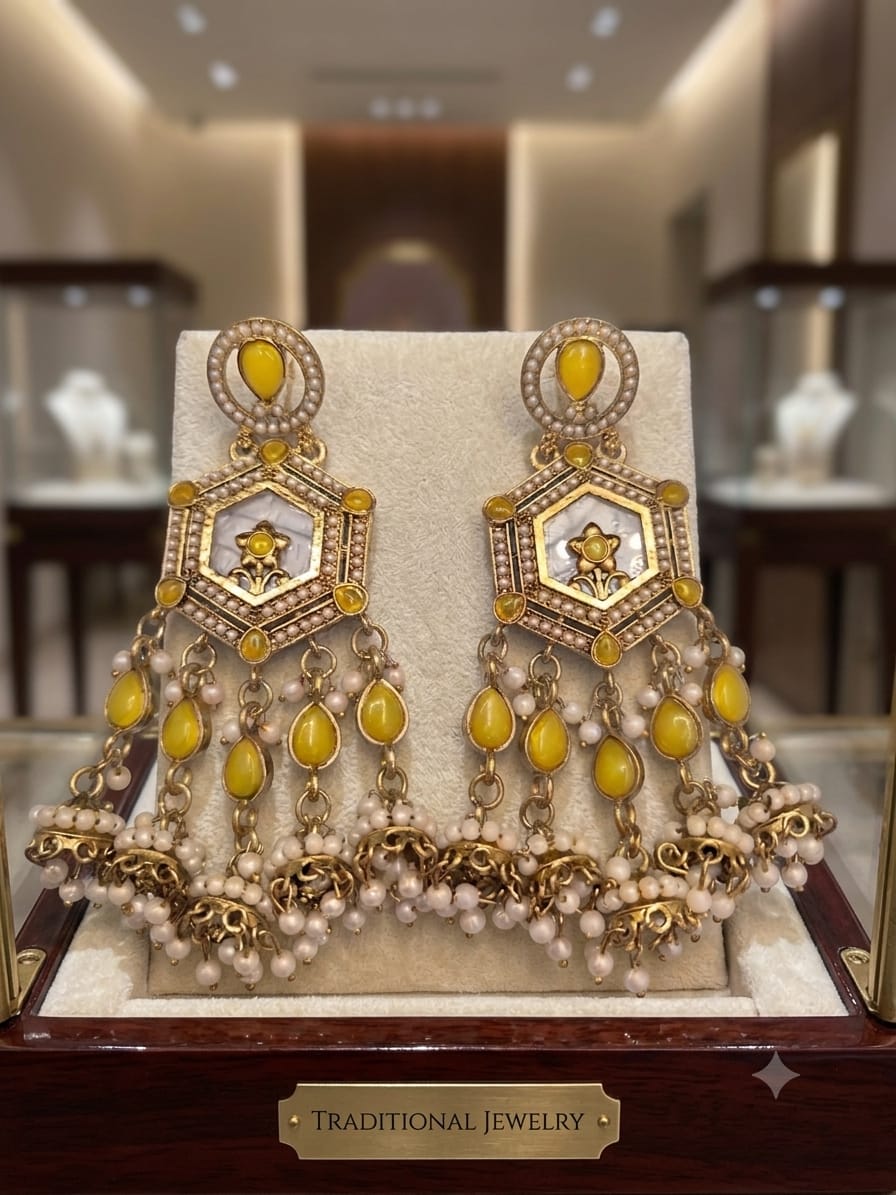
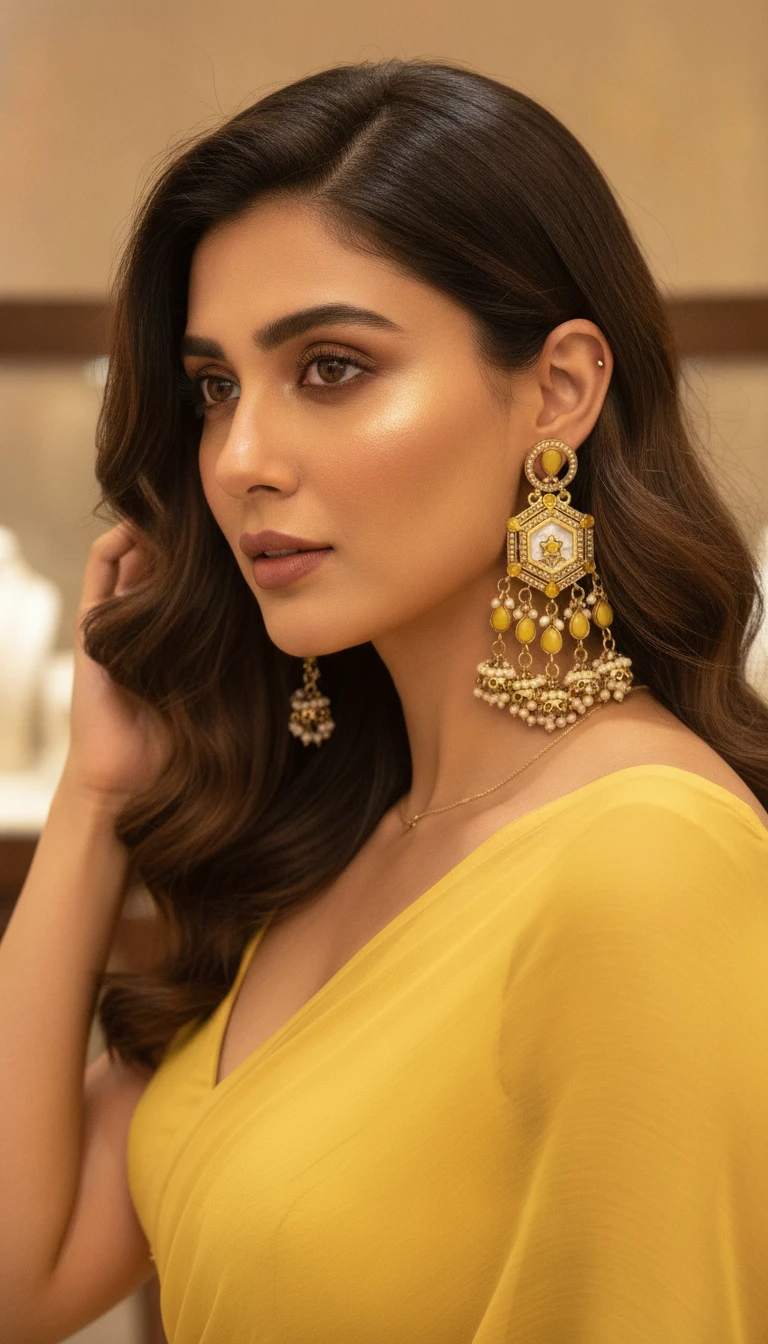
Upload Your Jewellery
Upload your product photo and choose the jewellery category to get started.
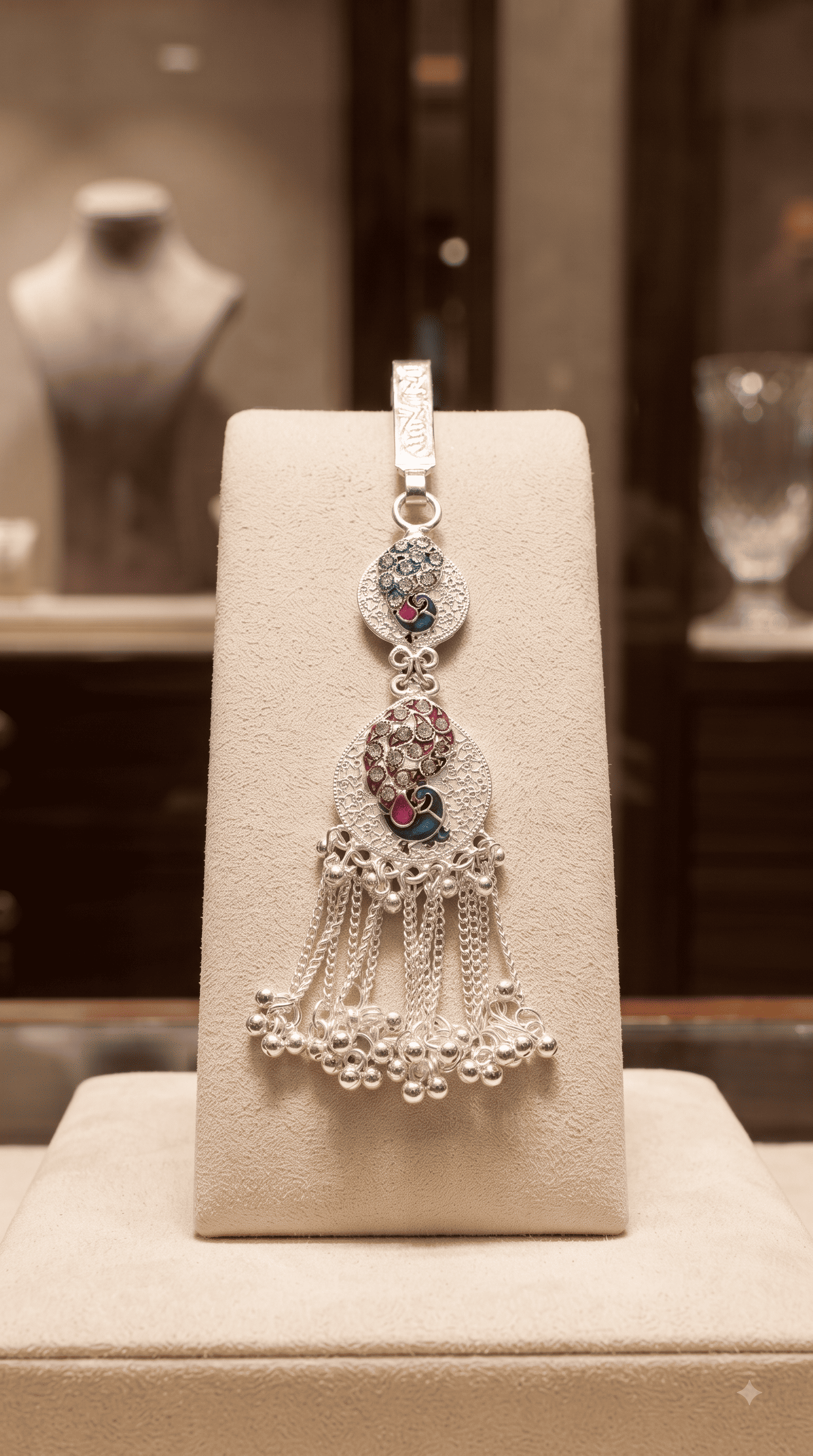
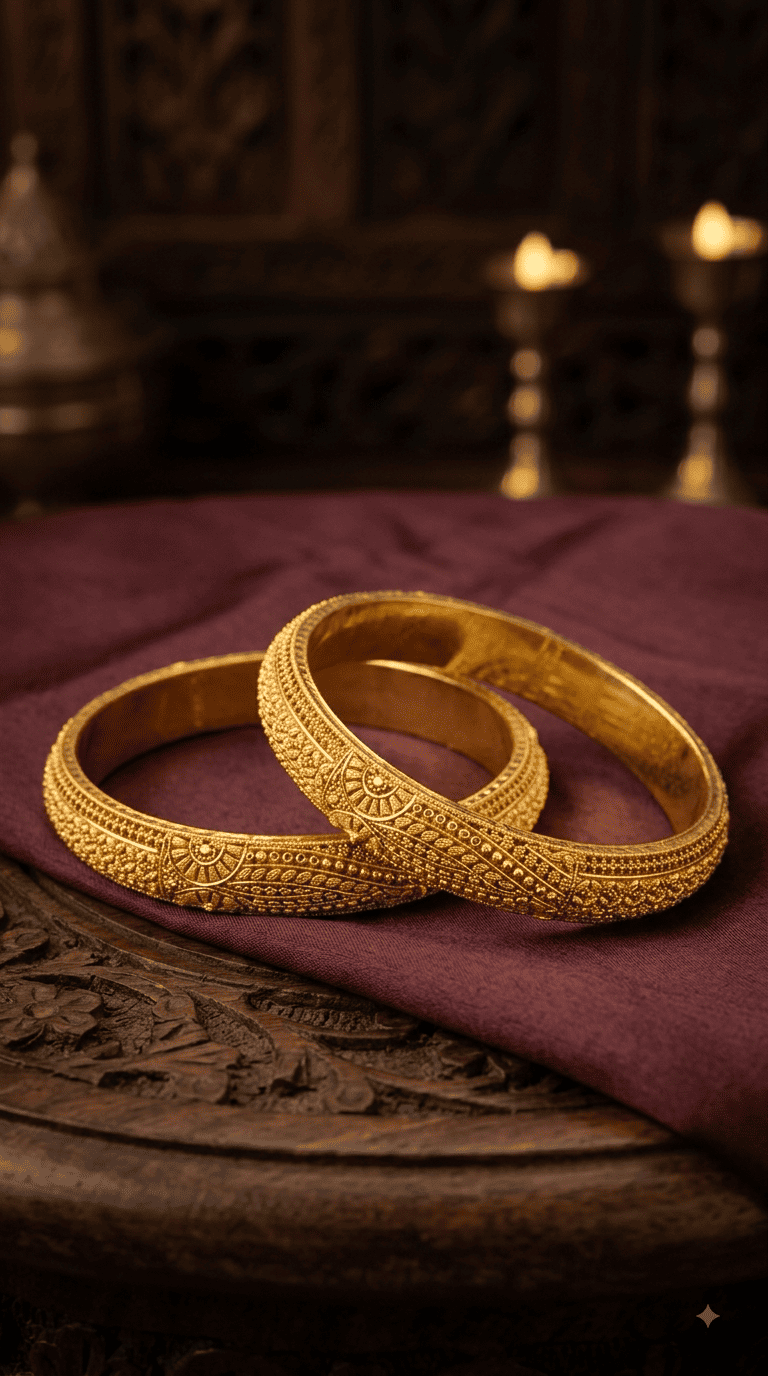
Choose Model
Select a model for your lifestyle jewellery preview.
Choose Output Type
Select whether you want to create an AI Photo or an AI Reel.
Choose Output
Choose Type
Choose Photo Style
Select the photography style for your jewellery image.
Choose Photo Style
Choose Showcase Photo Style
Choose the photography style that will be used as the showcase for your reel.
Choose Showcase Photo Style
Choose Reel Style
Select how your jewellery should be presented in the generated reel.
Choose Reel Style
Choose Color For Branding Image
Select the background color that will be used for your branding image.
Choose Branding Color
Brand Logo
Select oneLogo Position
Select onePreview
This is a preview of your inputs. Reel will be generated based on selected options.
Why Jewellery Businesses Love WebPlanex?
Preservation
License
Included
Styles
Generation
Support
Trusted by Jewellery Businesses Worldwide




Frequently Asked Questions
Everything you need to know about creating jewellery content with JewelGen.
Ready to Transform Your Jewellery Content?
Join thousands of jewellery brands already growing with WebPlanex AI Studio.
Start With Free Plan